
For stores on Elevar

Datacrow vs Elevar

Thinking about switching? Here is an honest comparison: where Datacrow is different, where Elevar is genuinely strong, and how to switch without losing data.

Elevar was acquired in 2026 and now sells as Audiense Online, powered by Elevar. Merchants still know the Elevar name, so this page keeps it; the numbers below are Audiense Online’s published pricing. The full story is at What happened to Elevar?

Common ground

What’s the same

Both apps send server-side conversion data from your Shopify store to your ad platforms, and each dedupes its own browser and server copies of a sale. A platform can’t match Datacrow’s copy to Elevar’s, though, so use one of them per platform. Elevar is a capable, widely used product. The differences are mostly about price, plan limits, and how much tool you actually need.

Side by side

What’s different

Datacrow and Elevar, side by side
DatacrowElevar
Free tierYes: $0 monthly + $0.25 per orderNone
Entry plan$129, all six destinations$225, 2 destinations, 2,000 orders included
Destination limitsNone on any planCapped by plan (2, 4, 10, 25); extras $125/mo each
Free trial30 days on Standard and Pro15 days
Mid plan$299 (5,000 included, then $0.07)$650 (10,000 included, 4 destinations)
Destination catalog6 core platforms50+
What your bill countsOnly orders Shopify confirmsTheir own metering
SupportGoes straight to the person who built the productTeam support, priority at higher tiers
  • Free tier

    Datacrow
    Yes: $0 monthly + $0.25 per order
    Elevar
    None
  • Entry plan

    Datacrow
    $129, all six destinations
    Elevar
    $225, 2 destinations, 2,000 orders included
  • Destination limits

    Datacrow
    None on any plan
    Elevar
    Capped by plan (2, 4, 10, 25); extras $125/mo each
  • Free trial

    Datacrow
    30 days on Standard and Pro
    Elevar
    15 days
  • Mid plan

    Datacrow
    $299 (5,000 included, then $0.07)
    Elevar
    $650 (10,000 included, 4 destinations)
  • Destination catalog

    Datacrow
    6 core platforms
    Elevar
    50+
  • What your bill counts

    Datacrow
    Only orders Shopify confirms
    Elevar
    Their own metering
  • Support

    Datacrow
    Goes straight to the person who built the product
    Elevar
    Team support, priority at higher tiers

By order volume

What you’d actually pay

  • Datacrow
  • Elevar
  • 1,000 orders a monthDatacrow is $96 less

    Datacrow: $129Standard, all 6 destinations
    Elevar: $225Core, 2 destinations
  • 3,000 orders a monthDatacrow is $351 less

    Datacrow: $299Pro
    Elevar: $650Advanced, 4 destinations

    or $725 on Core, 2 destinations

  • 10,000 orders a monthDatacrow is $1 less

    Datacrow: $649Pro
    Elevar: $650Advanced, 4 destinations
Show as a table
Your orders/monthDatacrowElevar
1,000$129 (Standard, all 6 destinations)$225 (Core, 2 destinations)
3,000$299 (Pro)$725 (Core, 2 destinations) or $650 (Advanced, 4)
10,000$649 (Pro)$650 (Advanced, 4 destinations)
Where Elevar lists two plans, the bar shows the cheaper one. Competitor prices are their published pricing as of August 2026 and may have changed. Check their pricing pages for current rates. Datacrow prices are current.
Elevar

Where Elevar is genuinely strong

Elevar’s catalog covers 50+ destinations, and its higher tiers include identity features that can improve match rates for stores with lots of returning traffic. If you need a long tail of niche destinations or you are a large store already invested in their data layer, it may be worth its price to you.
Datacrow

The question to ask

Most stores advertise on two to four platforms. If yours are Meta, Google, TikTok, Pinterest, or Klaviyo, you are paying Elevar for a catalog you will not use and a destination cap you will hit. Datacrow includes all six of its destinations on every plan, including the free one.

MetaGoogle AdsGA4TikTokPinterestKlaviyo

Switching

How to switch without double-counting

  1. Install Datacrow and connect a platform (keep your credentials handy, setup is about ten minutes per platform).

  2. Send a test event and confirm it lands.

  3. Right away, turn off everything Elevar sends to that platform, from the browser and from the server. Datacrow’s own browser and store copies of a sale share one ID, so the platform gets each sale from Datacrow once. The platform can’t match Elevar’s copy to Datacrow’s, though, so any order both apps send counts twice.

  4. Watch the next real orders reach that platform under Recent activity in Datacrow. Then repeat, one platform at a time, and uninstall Elevar when none are left.

During setup, Datacrow checks your storefront for Elevar and warns you if it finds it. The check can miss an install, so turn the old sending off either way.

Start tracking what your ad platforms are missing

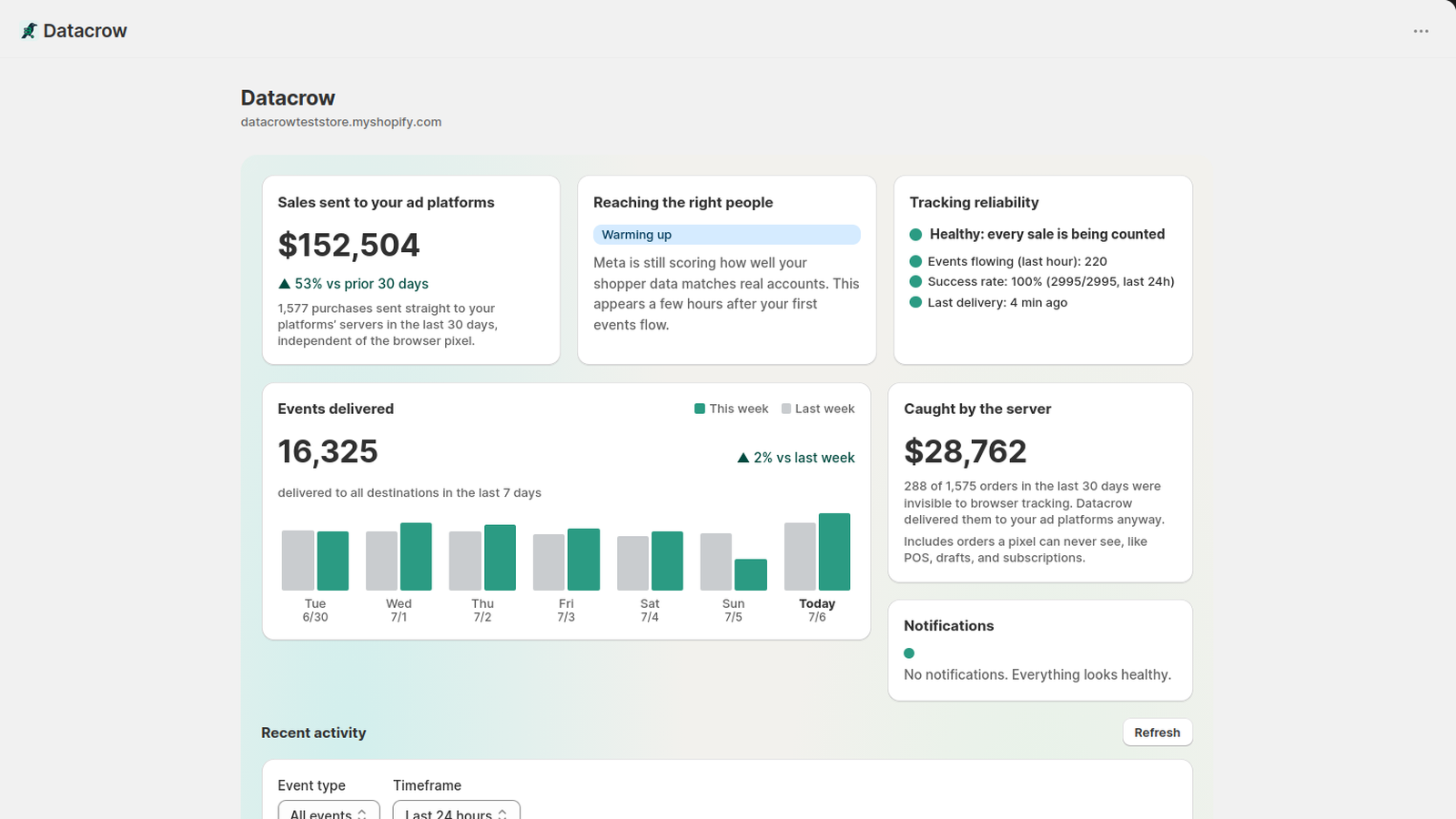
The Datacrow dashboard inside Shopify admin, showing an example store.